How to Use-Install Theme In Rainmeter
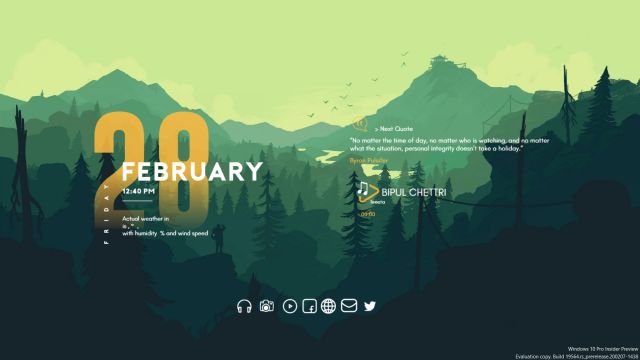
Installing Skin/Theme Using Rainmeter in Windows Note: To Use Skin Pack first Download and install Rainmeter Rainmeter is Simple Desktop Customization Tool Which Allows to modify the look of desktop. Below are the sample cusomized skin of rainmeter. most of them are ready made and only need few click to apply. If you are someone who loves customizing the way their desktop look then rainmeter is must thing to try. User can remove/ add small widgets as per their requirements. There are two ways to start using rainmeter in windows after installation. Download Skin of rainmeter from Internet. Downloaded file is either .rmskin or .zip file. Here is instruction on how to deal with that files (1) In case you have .rmskin file If the skin is in the .rmskin format. Double-click the .rmskin file, click Install. (.rmskin) is the rainmeter skin format. It will auto apply the theme. (2) In case you have .zip file Unzip the downloaded Rainmeter ...

